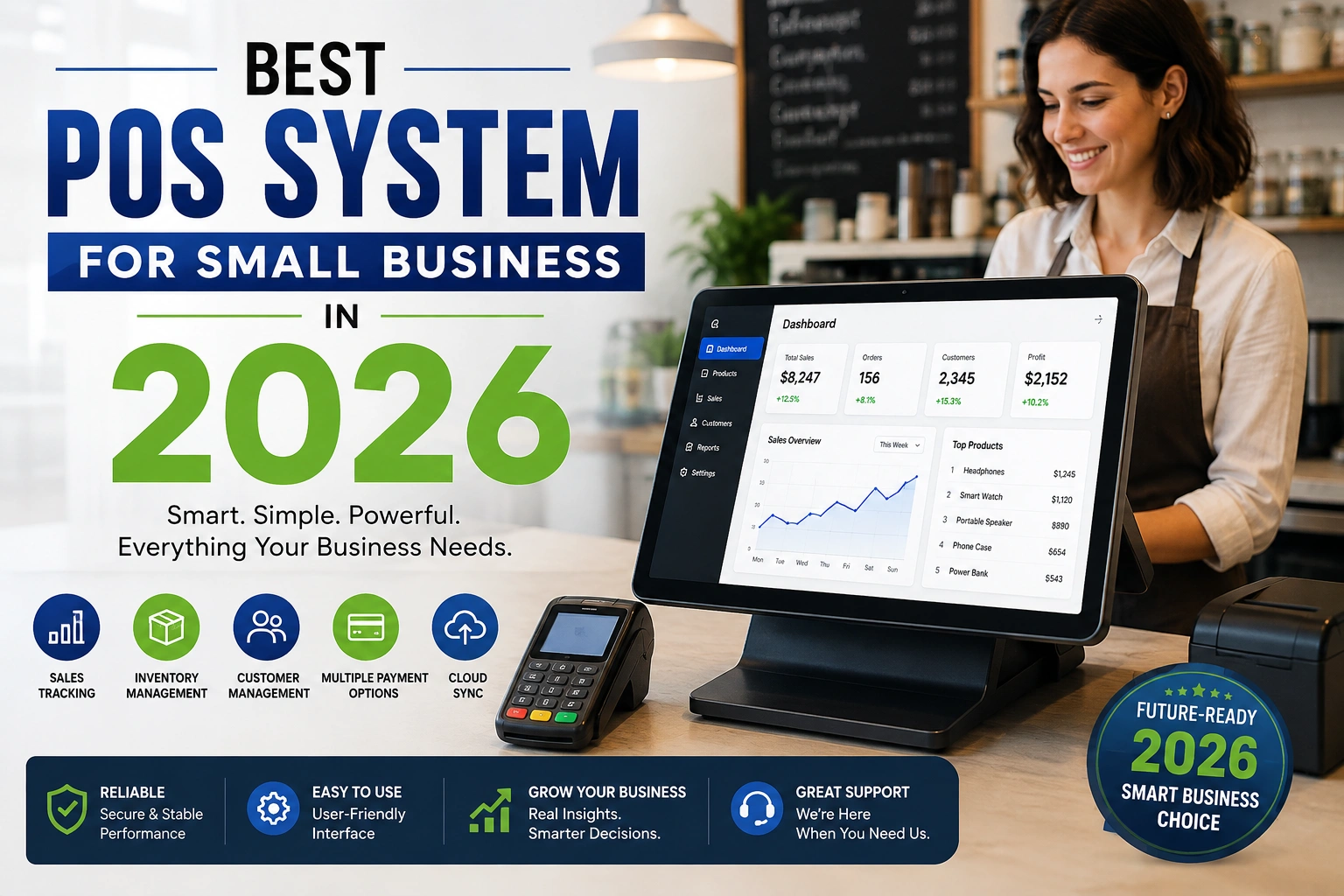
Running a small business means wearing many hats — and your checkout counter should not be the thing that slows you down. A good POS system for small business does more than take payments. It tracks inventory, manages staff, shows you daily sales, and helps you make smarter decisions without hiring an accountant.
What Is a POS System?
A POS (Point of Sale) system is the software and hardware combination your business uses to accept payments, track sales, and manage day-to-day operations. Modern POS systems do far more than an old-style cash register. Today's systems include:
Card and mobile payment processing
Real-time inventory tracking
Sales reports and analytics
Customer data and loyalty programs
Employee management and shift tracking
Online ordering and e-commerce integration
For a small business, choosing the right POS system can directly affect how fast you get paid, how well you manage stock, and how much time you save every week.
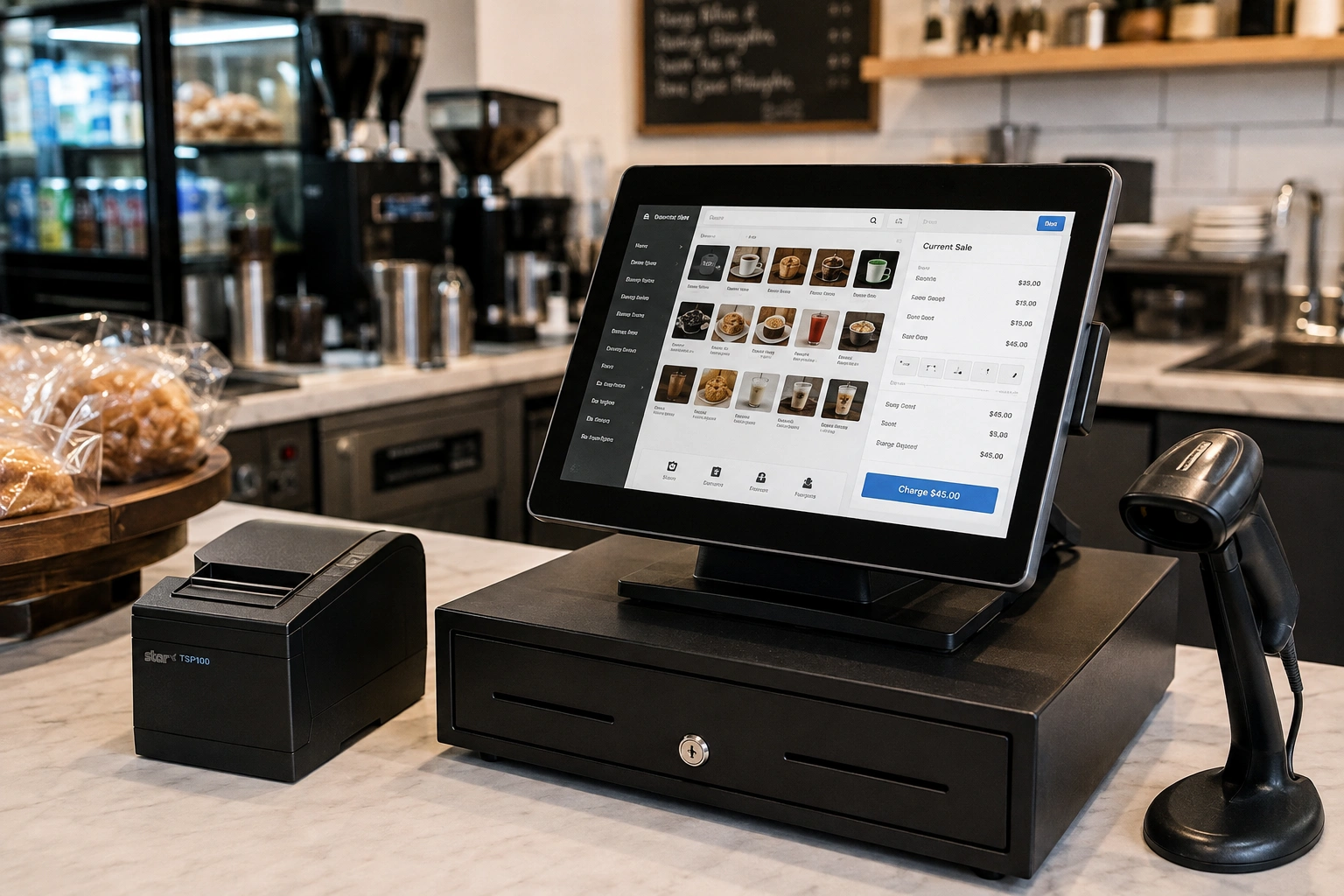
Why Small Businesses Need the Right POS System
Many small business owners still use outdated cash registers or basic card machines. This creates problems like:
No visibility into which products actually sell
Manual stock counts that eat up hours
Lost sales during busy hours due to slow checkout
No easy way to track employee performance
Difficulty accepting digital and contactless payments
A modern, cloud-based POS system fixes all of this — often for a lower monthly cost than businesses expect.
What to Look for in the Best POS System for Small Business?
Before comparing brands, it helps to know which features actually matter. Here is what small business owners across the Worldwide typically prioritize:
1. Affordable, Transparent Pricing
Look for a POS system with a clear monthly cost or a free starter plan. Avoid hidden fees on transactions, hardware, or support.
2. Easy Setup and Simple Interface
Your staff should be able to learn the system in a day, not a week. A clean, simple dashboard reduces training time and checkout errors.
3. Offline Mode
Internet outages happen. The best POS systems keep working offline and sync data automatically once you're back online — critical for retail stores and restaurants alike.
4. Inventory Management
A strong POS system for small business should track stock levels in real time, alert you on low inventory, and update automatically after every sale.
5. Multi-Location Support
If you plan to grow beyond one location, choose a POS system that lets you manage multiple branches from a single dashboard.
6. Payment Flexibility
Support for credit cards, debit cards, mobile wallets (Apple Pay, Google Pay), and contactless payments is now a baseline requirement, not a bonus feature.
7. Reporting and Analytics
Daily, weekly, and monthly sales reports help you understand your best-selling products, peak hours, and overall business health.
8. Customer Support
Small businesses rarely have in-house IT teams. Choose a POS provider known for fast, human customer support — not just chatbots.
Best Types of POS Systems by Business Type
Not every small business needs the same POS system. Here's a quick breakdown:
Business Type | Key POS Features to Prioritize |
|---|---|
Retail Store | Barcode scanning, inventory tracking, loyalty programs |
Restaurant / Cafe | Kitchen display system (KDS), table management, online ordering |
Food Truck | Mobile POS, offline mode, fast checkout |
Salon / Service Business | Appointment booking, staff scheduling, customer profiles |
E-commerce + In-Store | Omnichannel inventory sync, unified sales reporting |
How Much Does a POS System Cost for Small Business?
POS pricing usually falls into a few models:
Free plans: Basic checkout and payment processing with limited features (good for startups)
Monthly subscription: Typically $29–$150/month depending on features and number of locations
Per-transaction fees: Common with free-plan providers, usually 2.5%–3% per transaction
Custom/enterprise pricing: For multi-branch or high-volume businesses needing tailored features
Most small businesses in the Worldwide start with an affordable monthly plan and upgrade as they grow, rather than committing to expensive enterprise software early on.
Cloud-Based vs On-Premise POS Systems
Feature | Cloud-Based POS | On-Premise POS |
|---|---|---|
Setup Cost | Low | High |
Remote Access | Yes | No |
Automatic Updates | Yes | Manual |
Works Offline | Depends on provider | Yes |
Best For | Growing small businesses | Large, fixed-location businesses |
For most small businesses today, a cloud-based POS system offers the best balance of cost, flexibility, and ease of use — especially if you plan to check sales data remotely or manage more than one location later.
Common Mistakes Small Businesses Make When Choosing a POS System
Choosing based on price alone, without checking hidden transaction fees
Ignoring offline capability, then losing sales during internet downtime
Picking a system that doesn't support future growth (like multi-branch)
Not testing customer support responsiveness before committing
Overlooking staff training time and ease of use
Frequently Asked Questions
What is the best POS system for a small business just starting out?
For new businesses, look for a POS system with a free or low-cost starter plan, simple setup, and basic inventory and payment features. You can upgrade to advanced tools like multi-branch management as your business grows.
How much does a POS system cost per month?
Most small business POS systems cost between $29 and $150 per month, depending on features like inventory management, staff accounts, and number of locations. Some providers also charge a small percentage per transaction instead of a flat fee.
Do small businesses need a cloud-based POS system?
Yes, in most cases. A cloud-based POS system lets you check sales and inventory from anywhere, receive automatic software updates, and scale to multiple locations without switching systems later.
What features should a small business POS system include?
At minimum, it should include payment processing, inventory tracking, sales reporting, and an easy-to-use checkout interface. Depending on your business type, you may also need appointment scheduling, table management, or online ordering.
Can a POS system work without internet?
Many modern POS systems include an offline mode that lets you keep taking orders and payments during an internet outage, then automatically sync all data once the connection is restored.
Is a free POS system good enough for a small business?
Free POS plans can work well for very small or new businesses with low transaction volume. As sales grow, most businesses eventually need paid plans for advanced inventory, reporting, and multi-user features.