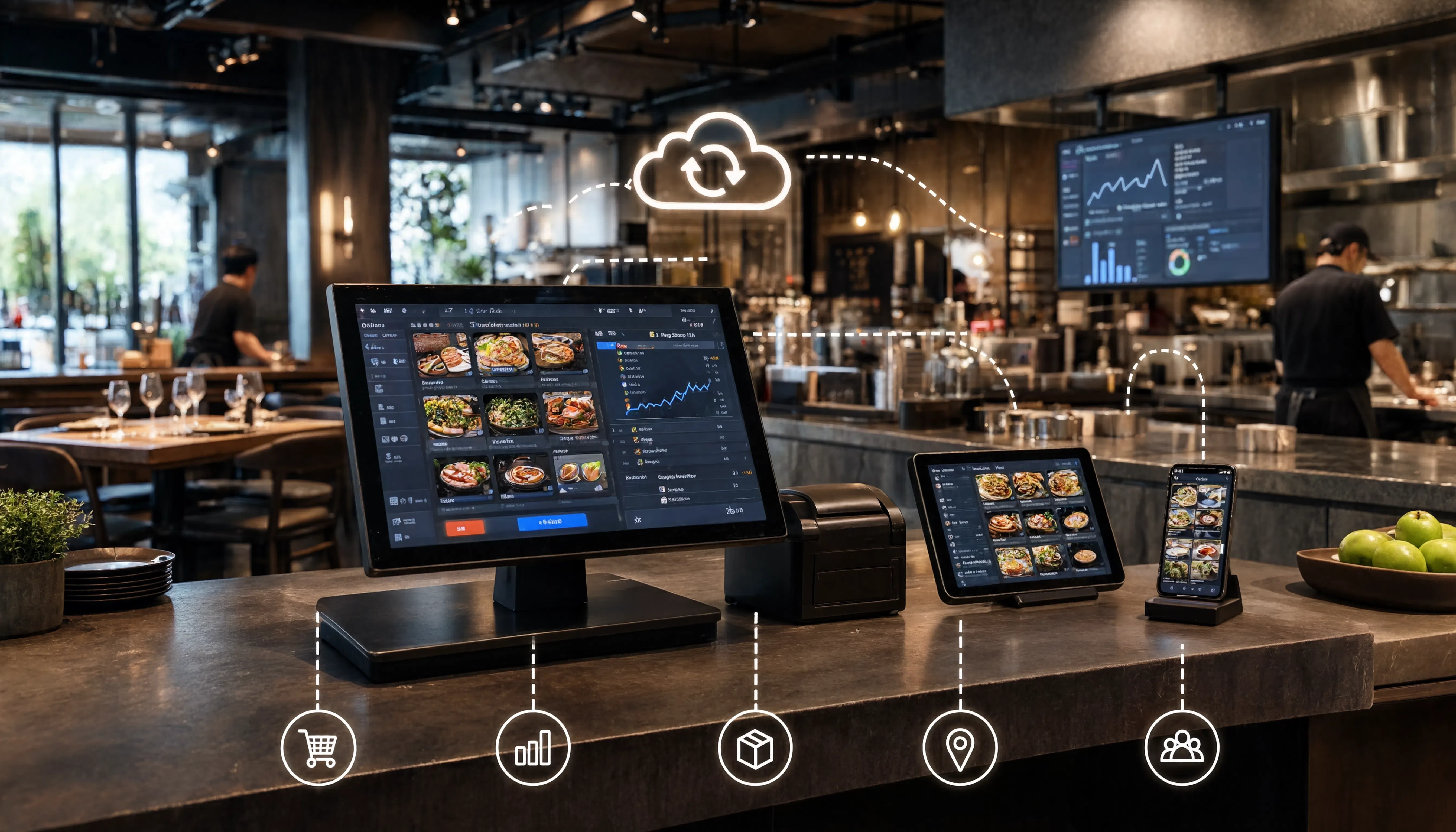
Running a restaurant means managing orders, payments, kitchen communication, inventory, staff, and reporting at the same time. When these tasks rely on disconnected tools or a single local computer, daily operations can quickly become difficult to manage.
A cloud-based restaurant POS helps bring key restaurant functions together while giving owners and managers better access to business data.
But cloud-based does not always mean internet-dependent. Modern systems can combine cloud connectivity with offline capabilities, allowing restaurants to keep taking orders even when the internet connection drops.
What Is a Cloud-Based Restaurant POS?
A cloud-based restaurant POS is a point-of-sale system that stores or synchronizes restaurant data through cloud infrastructure instead of keeping everything only on one local computer.
Depending on the platform, that data may include sales, menu changes, reports, customer details, inventory information, and multi-location settings.
The main advantage is accessibility.
With a traditional locally installed POS, important information may be available only inside the restaurant. A cloud POS restaurant system can make selected data available through an online dashboard, helping restaurant owners monitor performance remotely.
Cloud technology also makes it easier to connect the POS with kitchen workflows, inventory, online ordering, reporting, and customer management.
For a broader look at how these tools work together, read our guide on what a restaurant operating system is.
How Does a Cloud-Based POS System Work?
The process begins when a cashier or waiter enters a customer's order into the POS.
The system records the transaction and, depending on its features, can send the order directly to a Kitchen Display System, update sales reports, and adjust linked inventory.
In a cloud-connected setup, relevant information is then synchronized with an online database. Managers can use this centralized data for reporting, menu updates, branch management, or remote monitoring.
A typical restaurant workflow may look like this:
A waiter or cashier enters the customer's order.
The POS sends the order to the appropriate kitchen station.
The transaction is recorded for billing and reporting.
Inventory is updated when stock or recipe tracking is connected.
Relevant data synchronizes with the cloud.
Authorized owners or managers can access reports remotely.
The exact process varies between platforms, but the goal is the same: reduce manual work and keep restaurant operations connected.
Benefits of Cloud-Based POS Systems for Restaurants
1. Remote Access to Restaurant Reports
One of the biggest benefits of a cloud-based restaurant POS system is remote visibility.
Instead of waiting for end-of-day reports or physically visiting every outlet, owners can review sales and operational information through a connected dashboard.
This becomes especially valuable for restaurant operators managing multiple locations.
2. Easier Multi-Branch Management
Running several restaurants with separate POS systems can lead to inconsistent menus, pricing, and reports.
Cloud-based POS systems for restaurants can centralize information so management teams have a clearer view across multiple locations.
For growing chains and franchises, centralized control can also reduce repetitive administrative work.
3. Faster Menu and Pricing Updates
Restaurants regularly change prices, introduce promotions, remove unavailable products, and launch seasonal menu items.
A cloud-connected restaurant POS can make these updates easier to manage from a central system instead of manually changing information at every location.
4. Better Kitchen Communication
A modern restaurant POS should do more than create a bill.
When the POS connects with a Kitchen Display System (KDS), an order entered by a waiter or cashier can move directly to the kitchen queue.
This reduces manual re-entry and gives front-of-house and kitchen teams a more connected order workflow.
5. Centralized Restaurant Data
When sales, inventory, customer information, and reporting exist in separate tools, managers often spend additional time combining information manually.
A cloud POS can keep important restaurant data connected, making it easier to review sales trends, best-selling products, inventory usage, and branch performance.
Does a Cloud Restaurant POS Need Internet All the Time?
Not necessarily.
This is one of the most important questions restaurant owners should ask when comparing restaurant POS software.
Some cloud POS systems depend heavily on a live internet connection, while others include offline capabilities that allow core operations to continue during an outage.
For restaurants, offline functionality matters because a temporary internet problem should not stop order taking or billing during a busy lunch or dinner shift.
A hybrid approach can offer the advantages of both models.
Core POS functions can operate locally, while features such as cloud synchronization, remote reporting, online ordering, and live multi-branch updates use an internet connection.
POSflow RestaurantOS, for example, is designed around this approach. Core billing and order taking can continue locally, while cloud sync, remote reporting, online ordering, and live multi-branch synchronization use an internet connection.
Cloud-Based POS vs Traditional POS
A traditional POS generally focuses on local billing and transaction processing.
This can work well for a simple operation, but remote access and centralized restaurant management may be limited depending on how the software is built.
A cloud-based restaurant POS is designed around connectivity and centralized information. It can be better suited to businesses that need remote reporting, multiple locations, online ordering, or integrations with other restaurant tools.
For many restaurants, however, the ideal solution is not strictly "cloud only" or "local only."
A system that combines local reliability with useful cloud features can provide more flexibility, especially for businesses that cannot afford to stop operating during an internet outage.
Features to Look for in a Cloud-Based Restaurant POS
Before choosing a POS system for your restaurant, look beyond the checkout screen.
Important features to consider include:
Fast order taking and billing
Kitchen Display System integration
Offline order-taking capability
Menu and pricing management
Inventory and recipe tracking
Table and reservation management
Multi-branch management
Sales and operational reporting
Online ordering
Staff roles and permissions
Customer profiles and loyalty
Data backup and security
Integrations and API support
The right combination of features depends on your restaurant.
A small café, fine-dining restaurant, fast-food outlet, cloud kitchen, and multi-location franchise will not have exactly the same operational requirements.
Is a Cloud-Based Restaurant POS Right for Your Business?
A cloud-based restaurant POS is worth considering if you want better visibility, easier management, or a system that can grow beyond a single checkout terminal.
It can be particularly useful if you:
Operate multiple restaurant branches
Want to monitor performance remotely
Plan to introduce online ordering
Need centralized menu management
Want better kitchen communication
Need inventory connected with sales
Expect your restaurant business to grow
However, do not choose restaurant POS software only because it is marketed as "cloud-based."
Ask what happens when the internet fails, which features continue working offline, how data synchronizes, what integrations are supported, and how the system scales as you add more locations.
POSflow RestaurantOS brings POS, Kitchen Display, inventory, reservations, online ordering, reporting, and multi-branch management together in one platform.
You can explore our Restaurant POS system and management software to see the available features.
You can also compare RestaurantOS pricing and plans or book a RestaurantOS demo to see how the platform could fit your restaurant.
Final Thoughts
Cloud-based restaurant POS systems can give restaurant owners better access to business data while making it easier to connect locations, sales channels, kitchen workflows, and management tools.
The best system is not simply the one with the most cloud features.
Restaurants need reliable software that works under real service conditions, including busy periods and temporary internet outages.
When comparing systems, focus on reliability, offline capability, kitchen integration, inventory management, reporting, multi-location support, and ease of use.
A well-designed cloud-based restaurant POS can become much more than a billing tool. It can become the operational foundation that helps a modern restaurant run more efficiently and grow with fewer disconnected systems.